
Draw.io diagrams
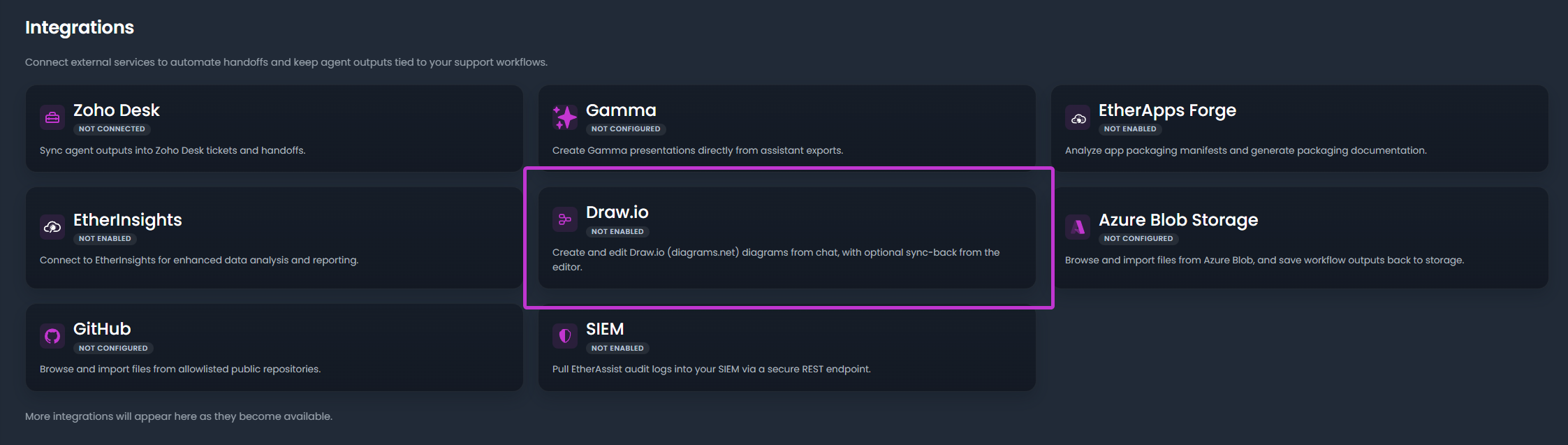
EtherAssist can help create diagrams that can be opened and refined in diagrams.net or Draw.io where the integration is available.
Before you begin
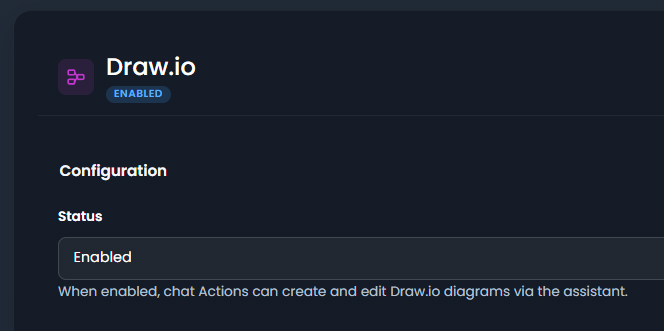
- Confirm the integration is enabled for your tenant, plan, and role.
- Check whether setup requires administrator access, OAuth consent, credentials, or allowlisting.
- Prepare a small non-sensitive item for validation.
- Do not include secrets, customer identifiers, or private tenant values in examples or screenshots.
Use cases
- Architecture diagrams.
- Security process maps.
- Support escalation flows.
- Compliance evidence flows.
- Migration or rollout diagrams.
Create an editable diagram
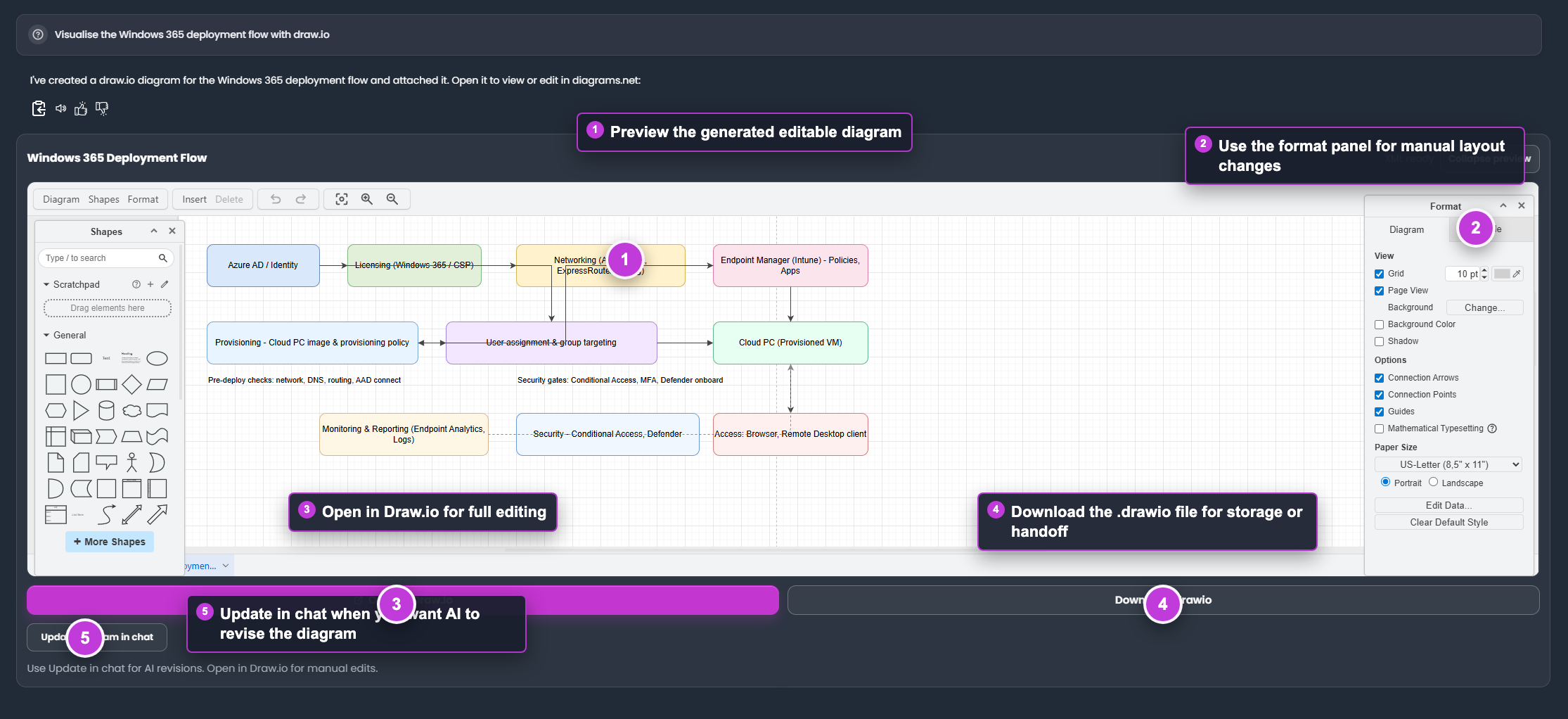
The numbered areas show the generated diagram preview, format panel, Draw.io handoff, download action, and chat revision option.
- Ask for a concise diagram with clear node labels.
- Specify the audience and diagram type.
- Review the generated diagram.
- Open it in Draw.io when you need manual editing.
- Save the final artifact with the related project or ticket.
Prompt tips
Use short labels, define the systems, and avoid asking for too many nodes in one diagram. Complex diagrams are easier to review when split into multiple views.
Tips
- Keep names, prompts, and configuration values specific to the task you are performing.
- Check role, subscription, region, and tenant policy when a feature is not visible.
Troubleshooting
| Issue | What to check |
|---|---|
| Integration is not visible | Confirm the integration is enabled for your tenant, plan, and role. |
| Connection or save fails | Check admin permissions, credentials, OAuth consent, callback URLs, and tenant policy. |
| Test content does not appear | Reconnect the integration and test with a small non-sensitive sample item. |