
GitHub
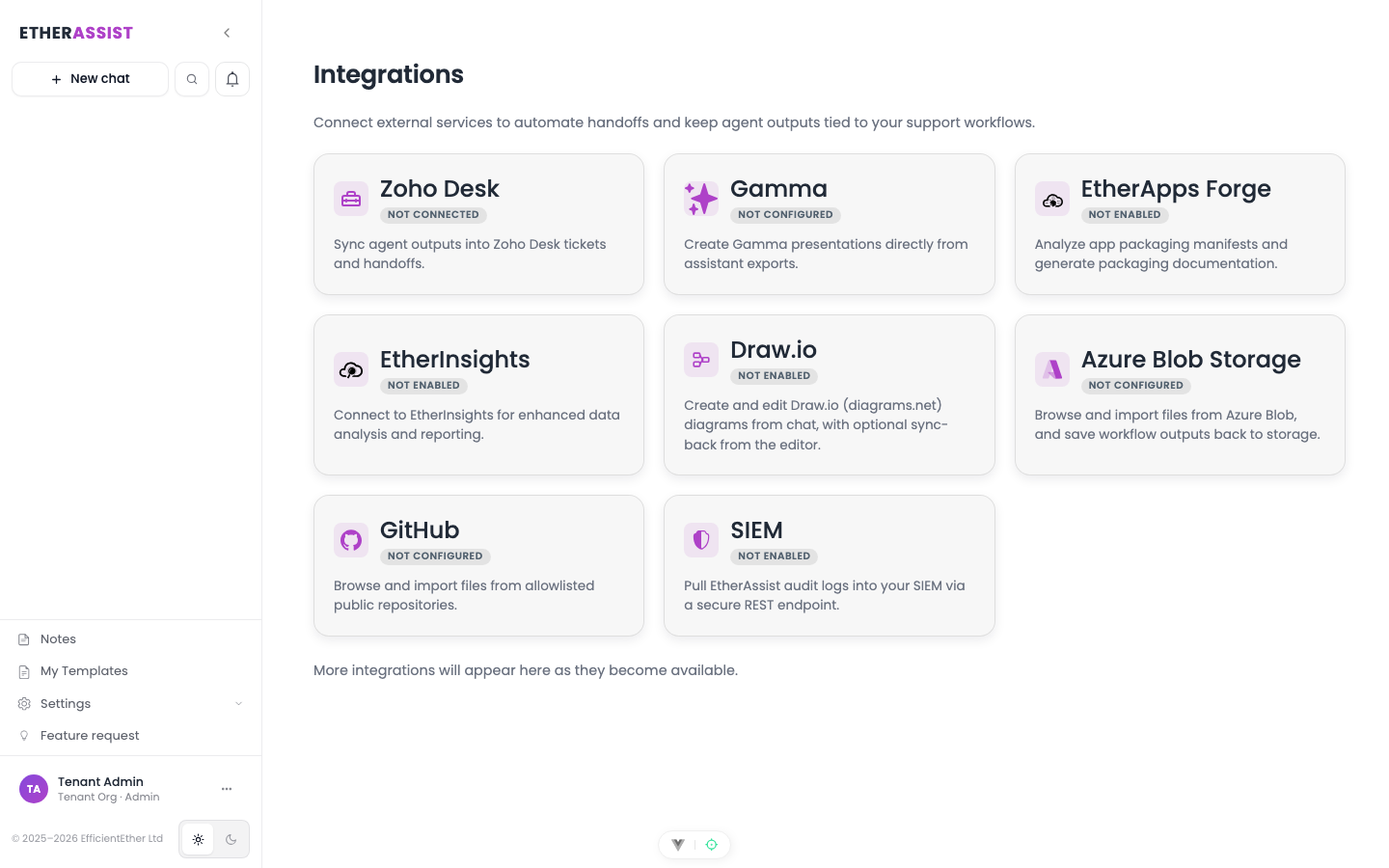
GitHub integration lets approved users select repository content as context for chat or Agent Mode tasks.
Before you begin
- Confirm the integration is enabled for your tenant, plan, and role.
- Check whether setup requires administrator access, OAuth consent, credentials, or allowlisting.
- Prepare a small non-sensitive item for validation.
- Do not include secrets, customer identifiers, or private tenant values in examples or screenshots.
Use cases
- Summarise repository documentation.
- Review scripts or configuration examples.
- Generate implementation notes from source files.
- Prepare change summaries from selected files.
Use safely
- Select only the files needed for the task.
- Avoid sending secrets, private keys, or credentials.
- Do not use generated code changes without review and testing.
- Respect repository access boundaries.
Tips
- Keep names, prompts, and configuration values specific to the task you are performing.
- Check role, subscription, region, and tenant policy when a feature is not visible.
Troubleshooting
| Issue | What to check |
|---|---|
| Integration is not visible | Confirm the integration is enabled for your tenant, plan, and role. |
| Connection or save fails | Check admin permissions, credentials, OAuth consent, callback URLs, and tenant policy. |
| Test content does not appear | Reconnect the integration and test with a small non-sensitive sample item. |