
SIEM integration
SIEM integration support is intended for defensive security workflows such as alert summaries, investigation notes, and management reporting.
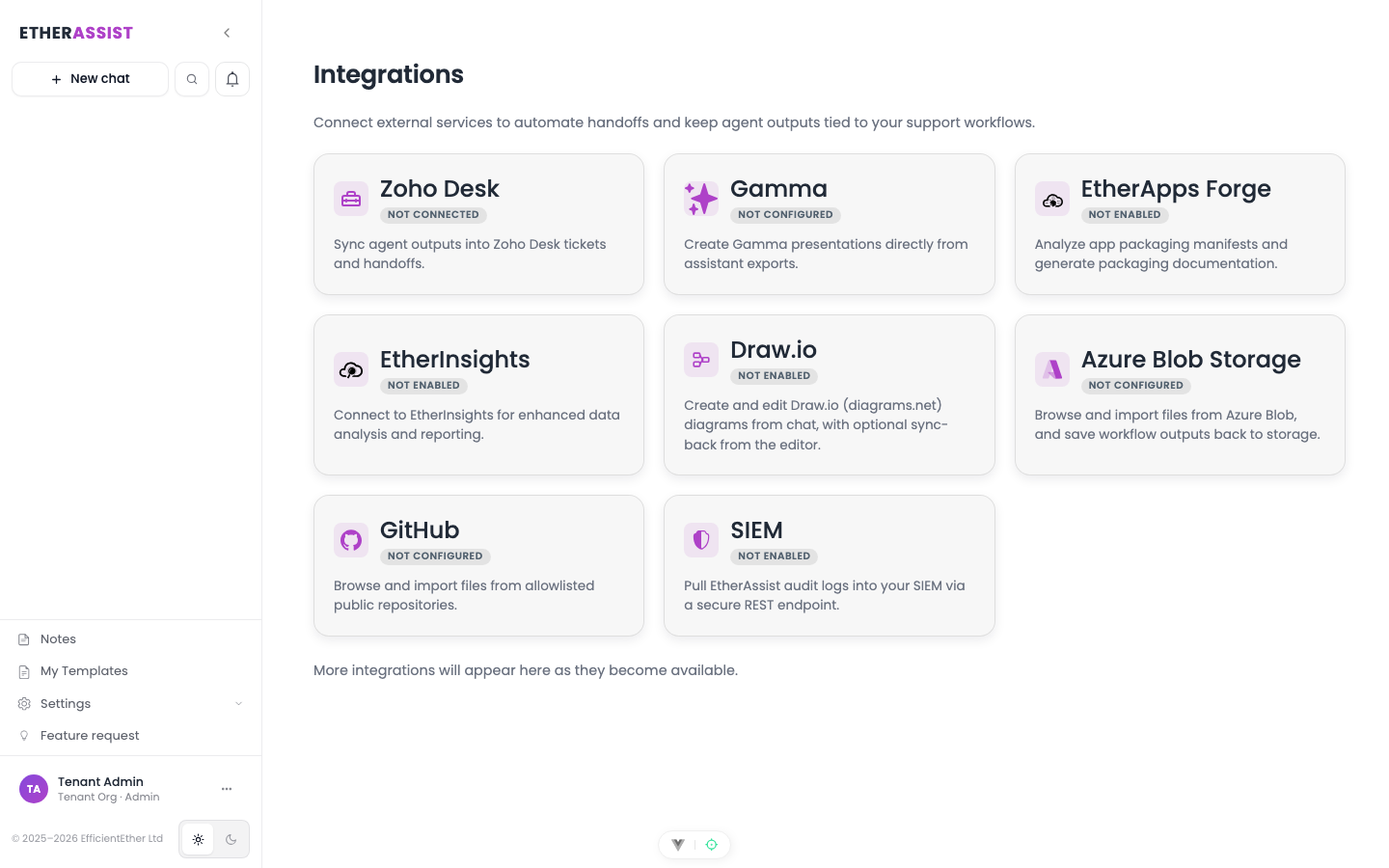
Before you begin
- Confirm the integration is enabled for your tenant, plan, and role.
- Check whether setup requires administrator access, OAuth consent, credentials, or allowlisting.
- Prepare a small non-sensitive item for validation.
- Do not include secrets, customer identifiers, or private tenant values in examples or screenshots.
Use cases
- Summarise selected security events.
- Draft incident notes for review.
- Create action lists for triage teams.
- Convert investigation findings into a customer-safe update.
Safety boundary
Keep SIEM use defensive and scoped. Do not include unrestricted scanning, credential attack guidance, exploit steps, or customer data outside the authorised investigation.
Tips
- Keep names, prompts, and configuration values specific to the task you are performing.
- Check role, subscription, region, and tenant policy when a feature is not visible.
Troubleshooting
| Issue | What to check |
|---|---|
| Integration is not visible | Confirm the integration is enabled for your tenant, plan, and role. |
| Connection or save fails | Check admin permissions, credentials, OAuth consent, callback URLs, and tenant policy. |
| Test content does not appear | Reconnect the integration and test with a small non-sensitive sample item. |