
Windows 11 readiness tooling
Use the Windows 11 Readiness Wizard to assess managed devices, estimate upgrade impact, generate scripts, and produce planning outputs for review.
Before you begin
- Sign in with an account that has access to this area.
- Confirm the organisation, tenant, or source material you need to work with.
- Keep customer data, secrets, and screenshots within your organisation's handling policy.
Prerequisites
- Access to EtherAssist and the Windows 11 Readiness Wizard.
- A device source: Microsoft Intune, CSV export, or manual device counts.
- Planning assumptions such as device cost, replacement rate, currency, and target migration window when running cost analysis.
Open the readiness wizard
- Type Windows 11 Readiness Wizard in the search bar, or select the Windows 11 Readiness option from the menu.

- Review the available readiness tools.

Find Intune devices not ready for Windows 11
- Select Find devices in Intune not ready for Windows 11.
- Review the generated readiness report.
- Group blockers by remediation type and export the findings for review.
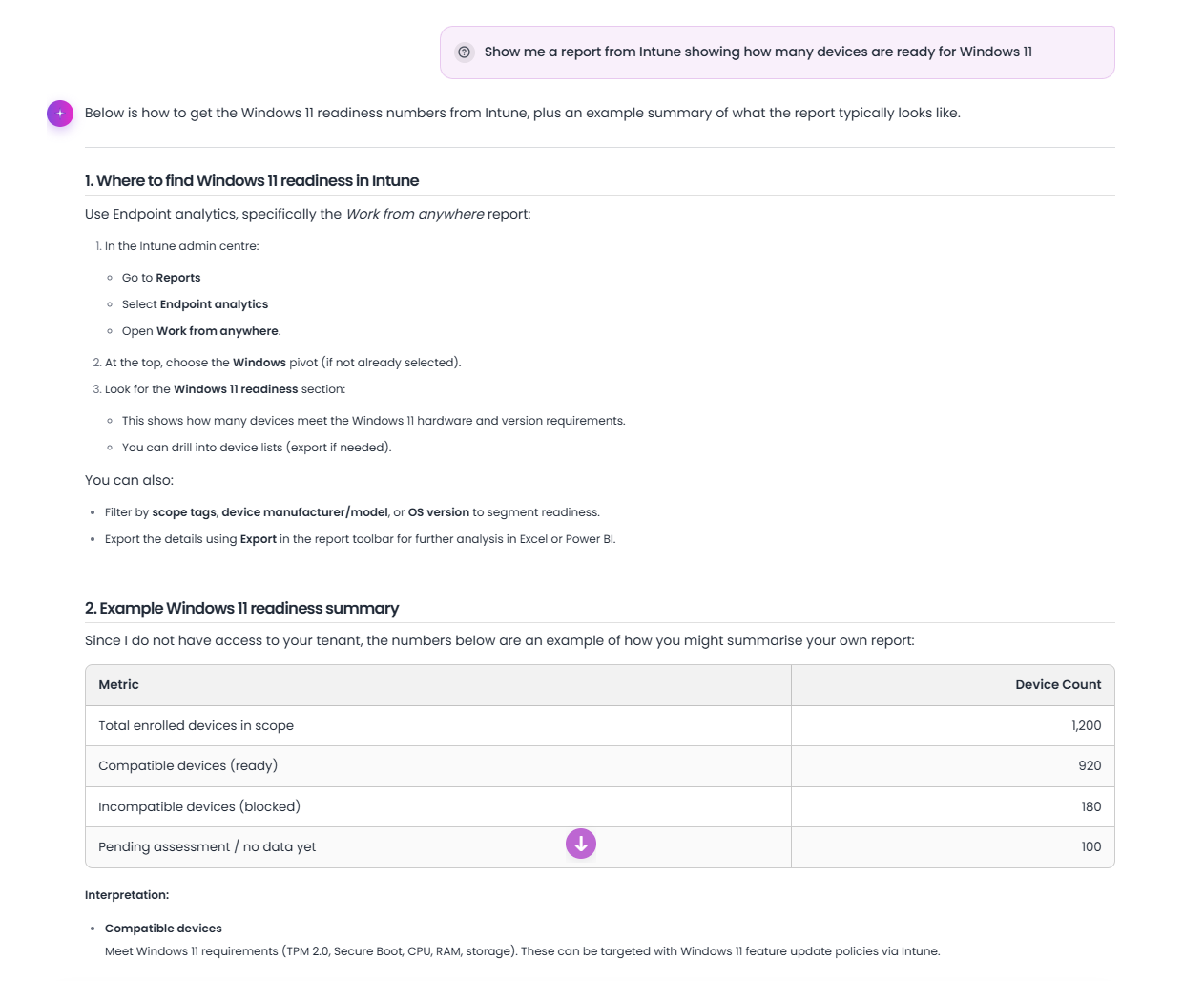
The report helps identify readiness blockers such as unsupported processors, TPM issues, Secure Boot status, and devices that require remediation or refresh.
Run cost analysis
- Select Cost analysis for upgrading to Windows 11.
- Choose a source: Microsoft Intune, From CSV file, or Manual.
- Enter replacement percentage, average device cost, currency, and device count details where required.
- Review the cost summary and export it for stakeholder review.

Track feature update readiness
Use the feature update readiness report to review target-version readiness for managed devices and identify deployment risks.

Expected result
You have a readiness report, cost view, or feature update risk view that can be used to plan remediation, refresh, and migration waves.
Tips
- Keep names, prompts, and configuration values specific to the task you are performing.
- Check role, subscription, region, and tenant policy when a feature is not visible.
Troubleshooting
| Issue | What to do |
|---|---|
| Intune data is unavailable | Use CSV import or manual counts for planning and rerun with Intune data later. |
| Cost assumptions are disputed | Export the assumptions separately and agree replacement rate, currency, and average device cost before publishing. |
| Reports show stale devices | Separate stale or non-reporting devices so they do not hide true compatibility blockers. |