
EtherInsights integration
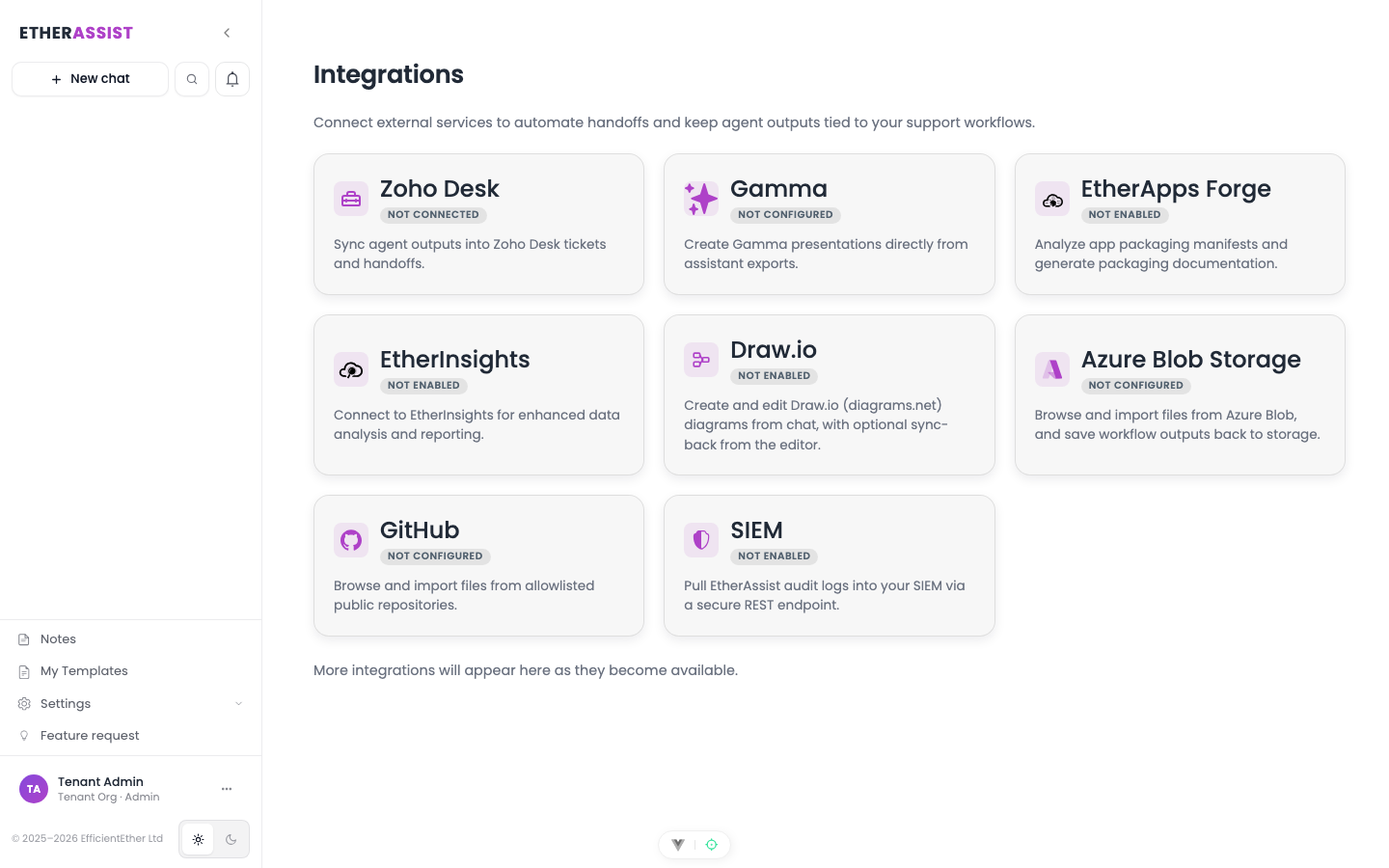
EtherInsights integration can provide tenant-scoped reporting and analytics context for supported chat and Agent Mode workflows.
Before you begin
- Confirm the integration is enabled for your tenant, plan, and role.
- Check whether setup requires administrator access, OAuth consent, credentials, or allowlisting.
- Prepare a small non-sensitive item for validation.
- Do not include secrets, customer identifiers, or private tenant values in examples or screenshots.
Use cases
- Summarise reporting signals.
- Prepare customer or management notes.
- Add analytics context to a workflow.
- Compare technical findings with operational data.
Configure
Integration setup is managed by administrators. Users see the integration only when it is configured and available to their account.
Data boundary
EtherInsights context must remain tenant-scoped. Do not use one customer's reporting data to answer another customer's request.
Tips
- Keep names, prompts, and configuration values specific to the task you are performing.
- Check role, subscription, region, and tenant policy when a feature is not visible.
Troubleshooting
| Issue | What to check |
|---|---|
| Integration is not visible | Confirm the integration is enabled for your tenant, plan, and role. |
| Connection or save fails | Check admin permissions, credentials, OAuth consent, callback URLs, and tenant policy. |
| Test content does not appear | Reconnect the integration and test with a small non-sensitive sample item. |