
Compare and revise content
Use comparison features when you need to understand how a draft changed, compare model outputs, or review revised policy wording.
Before you begin
- Prepare the original content and the revised content.
- Remove customer data, credentials, and internal URLs that are not required for the review.
- Decide whether you need a wording-only review or a meaning/risk review.
Compare two versions
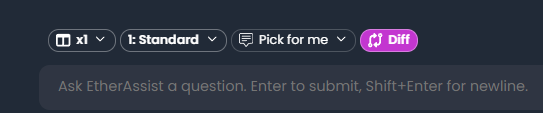
- Open Chat or the comparison feature.
- Paste or attach the original version.
- Paste or attach the revised version.
- Ask EtherAssist to identify additions, removals, changed meaning, and review risks.
- Review the comparison before accepting the revised version.
Expected result: EtherAssist explains what changed and highlights any material risk.
Review model outputs
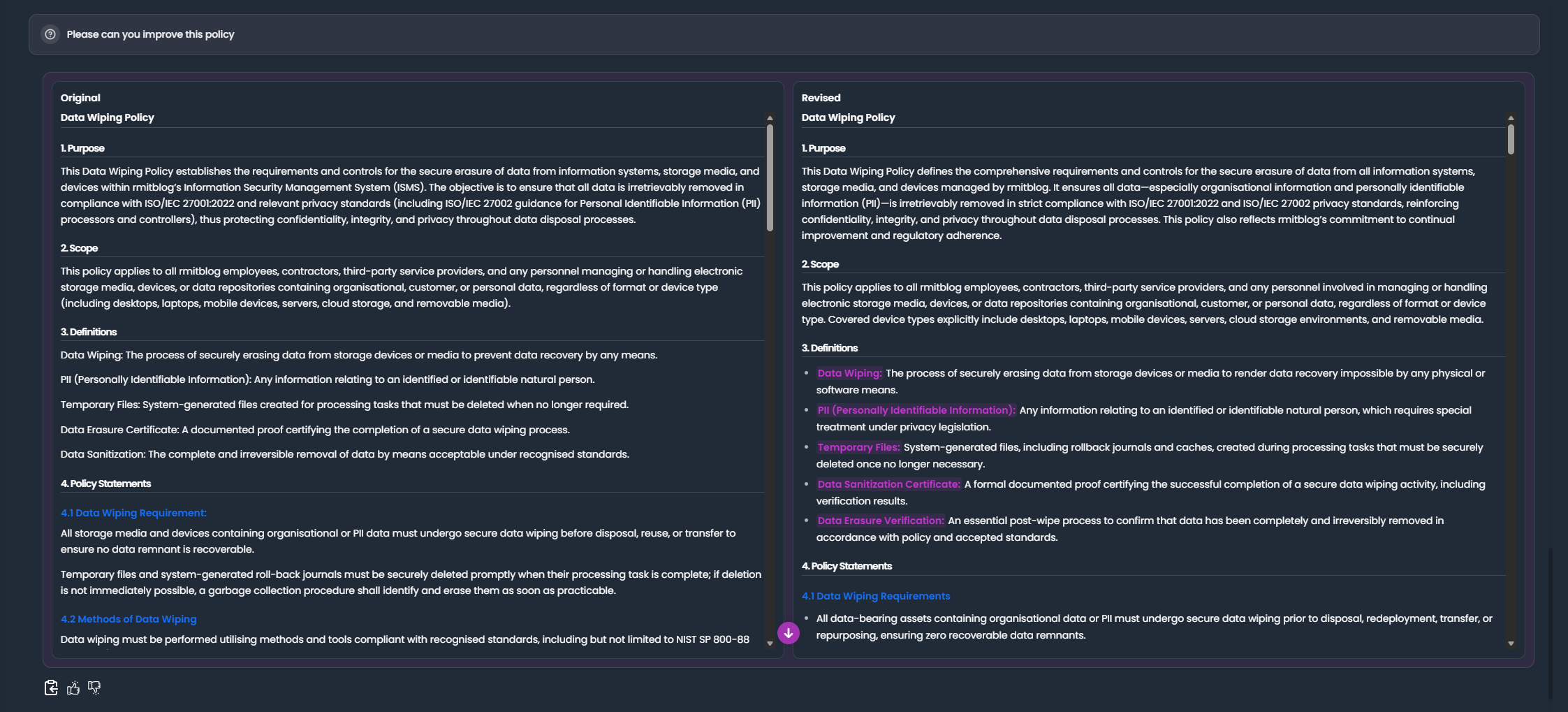
- Generate two or more candidate outputs.
- Compare them against the same acceptance criteria.
- Select the strongest output.
- Ask EtherAssist to merge only the useful improvements.
- Recheck the final version before sharing or exporting it.
Prompt examples
Compare the original and revised access control procedure. Separate wording changes from meaning changes, list compliance risks, and recommend whether the revised version is safe to send for approval.
Compare these two model outputs and tell me which is clearer for a first-line support analyst. Keep the recommendation short and include any missing steps.
Tips
- Ask for a risk table when the document is used for compliance or customer delivery.
- Ask EtherAssist to preserve approved wording unless a change is necessary.
- Export the final version only after review.
Next steps
Troubleshooting
| Issue | What to try |
|---|---|
| The feature is not visible | Confirm your role, subscription, and organisation policy allow access to Compare and revise content. |
| A setting or action does not save | Refresh the page, sign out and back in, then retry the smallest change first. |
| The result differs from the screenshot | Check whether your tenant has a different role, region, policy, or subscription configuration. |