
Subscriptions
The subscription page shows how the organisation accesses EtherAssist and where billing or entitlement issues should be reviewed.
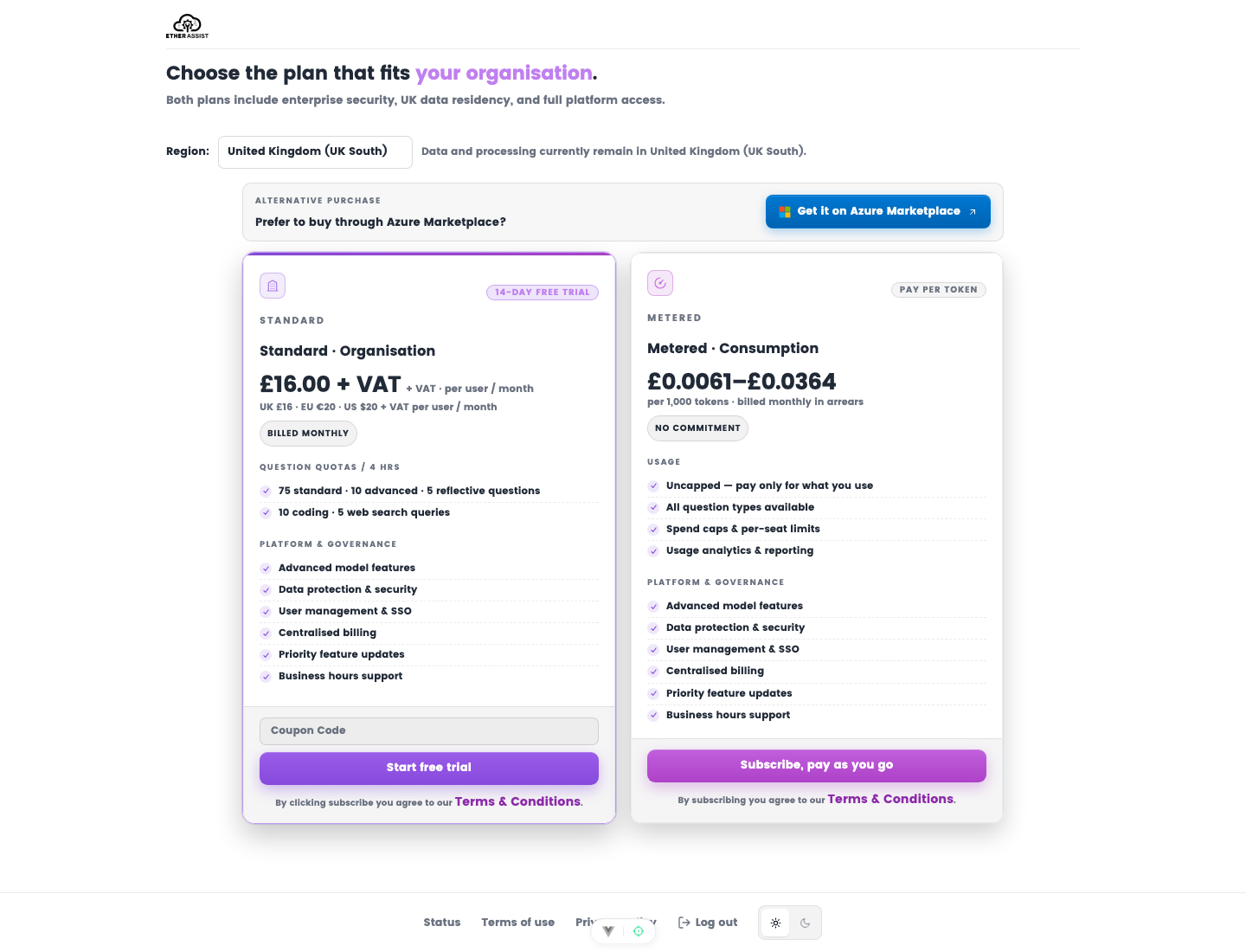
Before you begin
- Sign in with an administrator account.
- Confirm you are reviewing the correct organisation.
- Check whether billing is direct or marketplace-managed before making changes.
What to check
| Area | Why it matters |
|---|---|
| Status | Confirms whether the organisation is active, trialing, cancelled, or blocked. |
| Plan | Shows the feature and usage entitlement level. |
| Billing owner | Identifies who should manage payment or marketplace subscription details. |
| User allocation | Helps administrators understand seats, users, or usage limits. |
Make changes
- Open Administration → Subscriptions.
- Review the current status, plan, billing owner, and user allocation.
- Confirm the commercial arrangement before adding seats, changing plans, or cancelling service.
- Complete the billing or marketplace flow if the page directs you outside EtherAssist.
- Return to EtherAssist and confirm the subscription state updates.
Expected result: the organisation subscription reflects the approved billing or entitlement change.
Troubleshooting access
If a paying user cannot access EtherAssist, check the user's account state, organisation membership, subscription status, and whether the user needs to sign out and back in after a recent change.
Tips
- Confirm billing owner approval before changing plan or payment state.
- Ask users to sign out and back in after access-related subscription changes.
- Use Usage Reporting before changing quotas or commercial terms.
Troubleshooting
| Issue | What to check |
|---|---|
| Subscription looks inactive | Confirm checkout or marketplace registration completed. |
| User is blocked after a billing change | Check user membership, role, subscription status, and session refresh. |
| Billing owner is wrong | Contact the account or billing owner before making plan changes. |