
Administration overview
Administration features are for tenant administrators. Use them to control access, monitor usage, set tenant policies, and manage subscription-related settings.
Administration options are visible only to users with the required role.
Before you begin
- Sign in with an administrator account.
- Confirm you are working in the correct organisation.
- Ask affected users to sign out and back in after access or role changes.
Administration areas
| Area | Use it for |
|---|---|
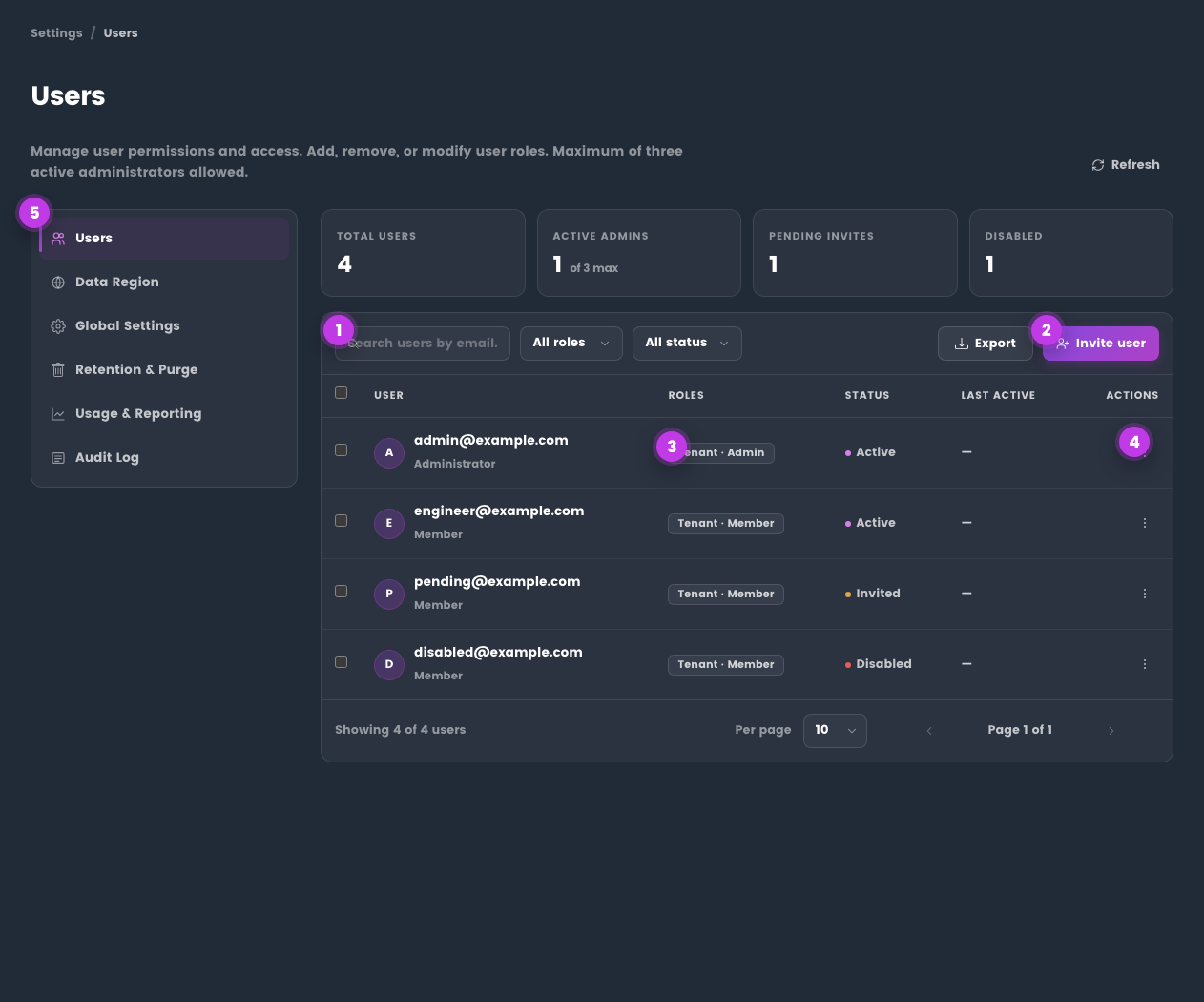
| Manage Users | Invite users, assign roles, manage account status, and update user-level settings. |
| Usage Reporting | Review usage by user, model, topic, source, and date range. |
| User Token Quota | Set per-user question limits and manage consumption controls. |
| Global Settings | Apply tenant-wide policies for redaction, web search, topics, approved sources, and memory behaviour. |
| Data Region | Review current data region and request a supported migration. |
| AI Data Processing | Explain customer-facing AI processing, Knowledge AI, and region controls. |
| Audit Log | Search, filter, and export tenant activity events. |
| Subscription | Review plan, billing, invoices, and subscription state. |
Common admin tasks
Add a user
- Open Administration.
- Go to Manage Users.
- Invite the user with the correct email address.
- Assign the appropriate role.
- Ask the user to sign out and sign back in if access was recently changed.
See Manage Users.
Expected result: the user appears in Manage Users with the intended role and access state.
Review usage
- Open Usage Reporting.
- Choose the date range or billing period.
- Filter by user, topic, model, or source where needed.
- Export a report if you need an offline record.
See Usage Reporting.
Expected result: you can identify active users, model consumption, and exports needed for finance or adoption review.
Set tenant policy
Use Global Settings for tenant-wide controls such as:
- enforced redaction;
- web search availability;
- approved topic source restrictions;
- auto-topic behaviour;
- memory policy.
See Global Settings.
Expected result: tenant-wide settings are applied to new requests according to your organisation's policy.
Explain AI processing and regions
Use AI Data Processing with Data Region when a customer or internal stakeholder needs a product-level explanation of AI processing, Knowledge AI, and tenant region controls.
See AI data processing.
Expected result: the explanation uses customer-facing regional wording without exposing internal infrastructure details.
Review audit events
Use Audit Log to search and export important tenant activity, including admin actions and policy changes.
See Audit Log.
Admin checklist
| Frequency | Check |
|---|---|
| First setup | User roles, subscription state, topic policy, data region, and global settings. |
| Weekly | Usage trends, quota pressure, failed runs, and open support actions. |
| Monthly | Audit exports, inactive users, billing state, and integration access. |
| Before sharing evidence | Remove unnecessary user-identifying data and confirm the export audience. |
Settings vs administration
| Settings | Administration |
|---|---|
| Personal preferences | Tenant-wide controls |
| Personal memory and notes | User management |
| Individual topic preferences | Usage, quotas, and audit logs |
| Personal context and personas | Data region and subscription |
Tips
- Keep changes small and verify the result before updating more users or settings.
- Check role, subscription, and tenant policy when a feature is not visible.
Troubleshooting
| Issue | What to check |
|---|---|
| The feature is not visible | Confirm your role, subscription, and organisation policy allow access. |
| A change does not save | Refresh the page, sign out and back in, then retry the smallest change first. |
| The result differs from the screenshot | Check whether your tenant has different policy, region, or subscription settings. |