
Using the Document Manager
This article is kept so existing links continue to work.
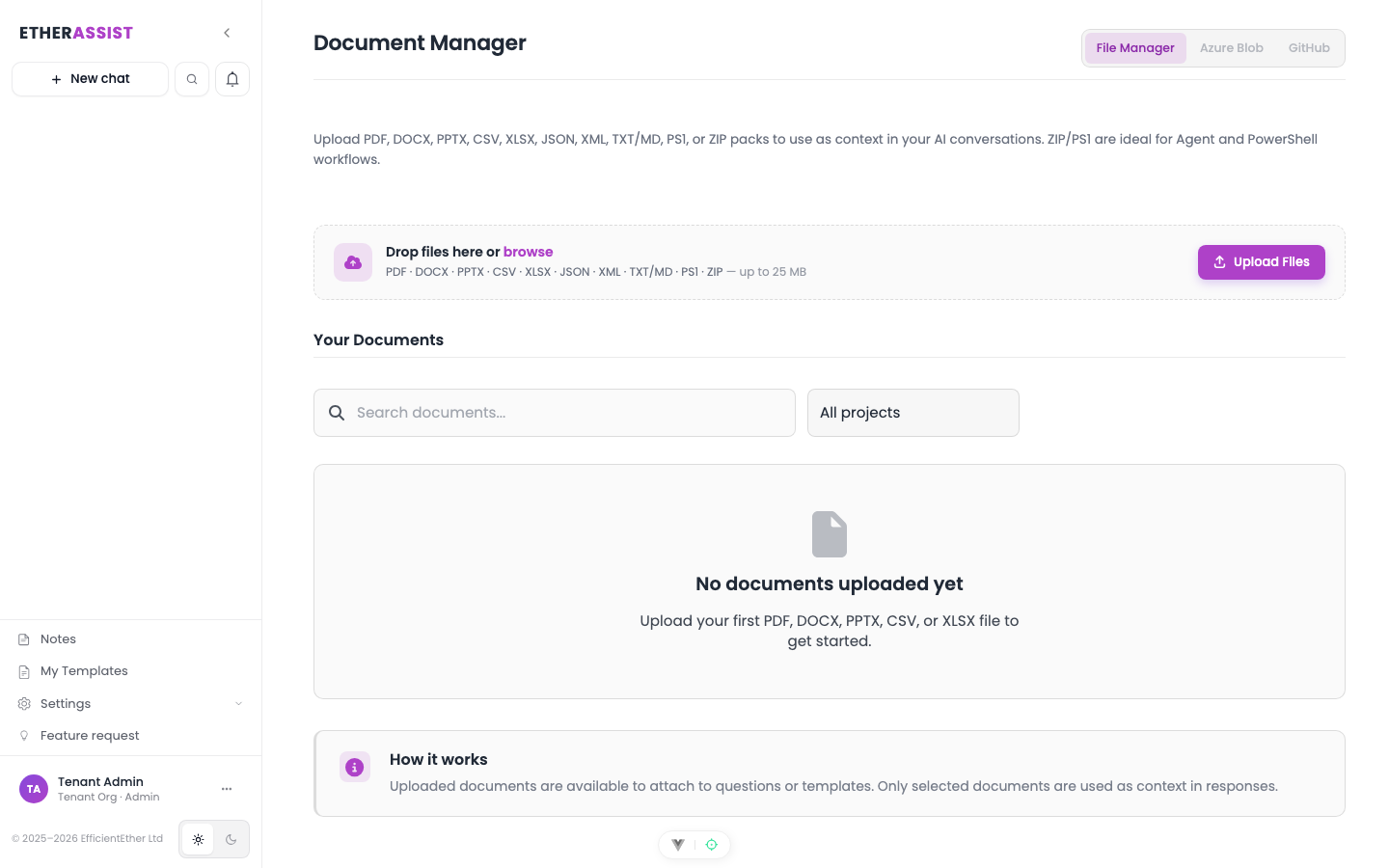
The maintained article is Document Manager.
Before you begin
Use this page only when you arrive through an older link.
What changed
The previous article duplicated Document Manager guidance and used a long screenshot sequence. The maintained version is shorter and task-based.
Next step
Open Document Manager for the current guidance.
Tips
- Keep prompts, names, and configuration values specific to the task you are performing.
Troubleshooting
| Issue | What to try |
|---|---|
| The feature is not visible | Confirm your role, subscription, and organisation policy allow access to Using the Document Manager. |
| A setting or action does not save | Refresh the page, sign out and back in, then retry the smallest change first. |
| The result differs from the screenshot | Check whether your tenant has a different role, region, policy, or subscription configuration. |