
Audit log
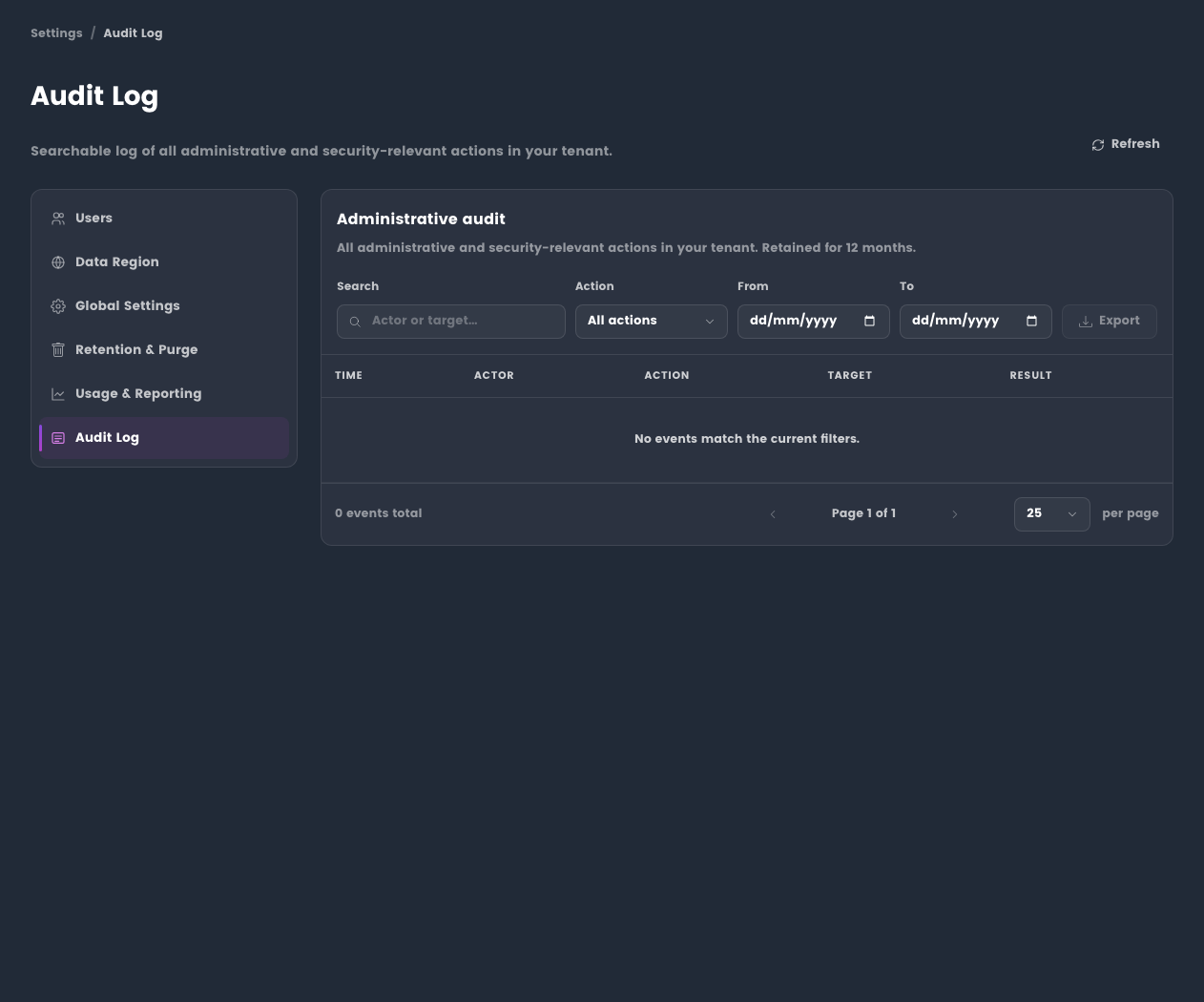
The audit log records important organisation activity so administrators can review changes, export evidence, and support investigations.
Before you begin
- Sign in with an administrator account.
- Confirm the organisation and date range you need to review.
- Treat exported audit data as sensitive because it can contain names, email addresses, timestamps, and administrative actions.
Typical events
- User invitations and role changes.
- Administrative setting changes.
- Subscription or entitlement updates.
- Integration configuration changes.
- Security and privacy control updates.
Use the audit log
- Open Administration.
- Go to Audit Log.
- Choose the date range for the review.
- Filter by user, event type, organisation, or action where available.
- Open individual records when you need event detail.
- Export results only when they are needed for audit, support, or compliance review.
Expected result: the audit view shows the relevant organisation activity and any export contains only the records needed for the review.
Review guidance
Use audit exports carefully. They can contain names, email addresses, timestamps, and administrative activity. Share only with authorised reviewers.
Tips
- Narrow the date range before exporting.
- Keep a record of who receives exported evidence.
Troubleshooting
| Issue | What to check |
|---|---|
| Expected event is missing | Confirm the date range, current organisation, and whether the action is logged for this tenant. |
| Export has too much data | Narrow the date range or filter before exporting again. |
| User cannot access the page | Confirm the user's administrator role and ask them to sign out and back in after a recent role change. |